Art & simulation / July–September 2026
Living Paint
A painting that keeps moving.
THE IDEA
A painting that keeps moving.
I wanted painting software that reacts to a mark: color spreads, flows and mixes instead of staying exactly where it was placed.
What I built
A two-dimensional pigment studio with brush and stir tools, a contextual inspector, layers, wall masks, image imports and scene export. The portfolio edition brings the controls into the same visual family as the rest of Omid Labs. The isolated edition also repairs layer deletion so a selected layer keeps its identity when an earlier layer is removed.
Working with AI
This project made the gap between an attractive interface and a reliable tool visible. Paint, undo, imports and saving need to preserve the same state. The next useful iteration is often a repair to that workflow.
A QUICK DEMO
From a mark to a moving painting
Try the project with a small, deliberate experiment.
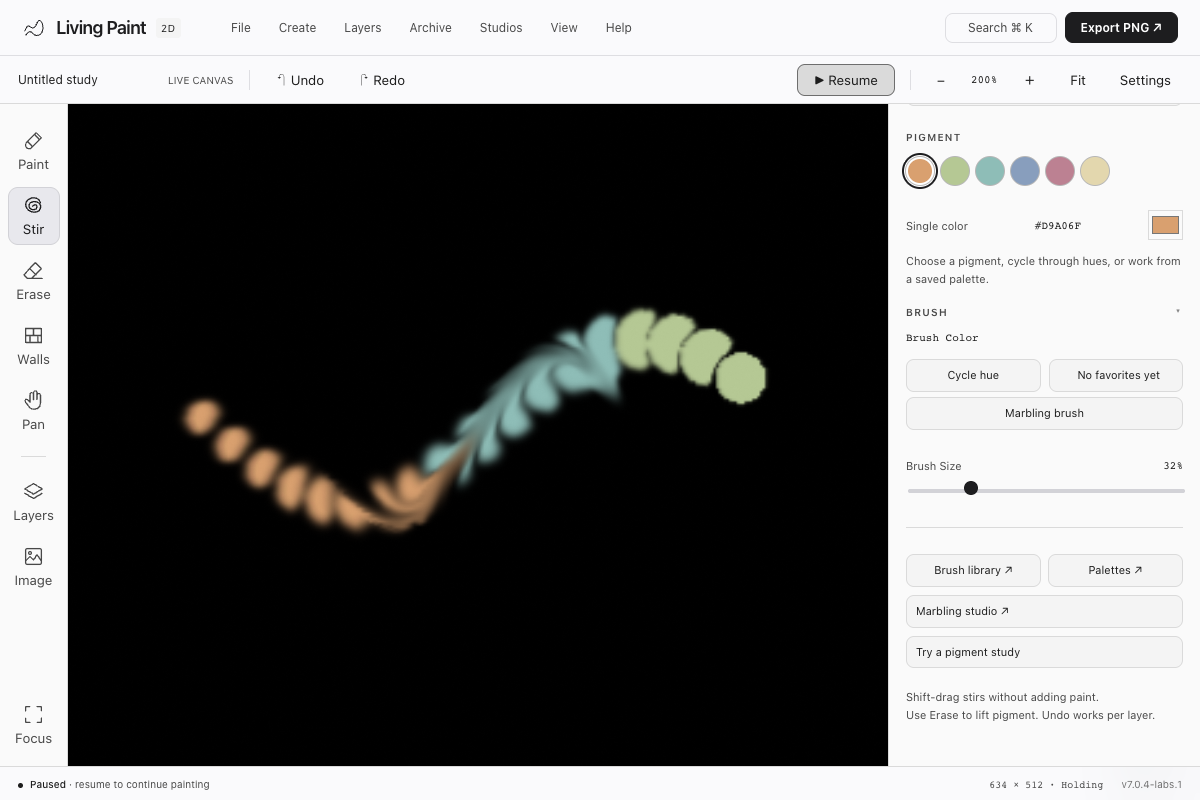
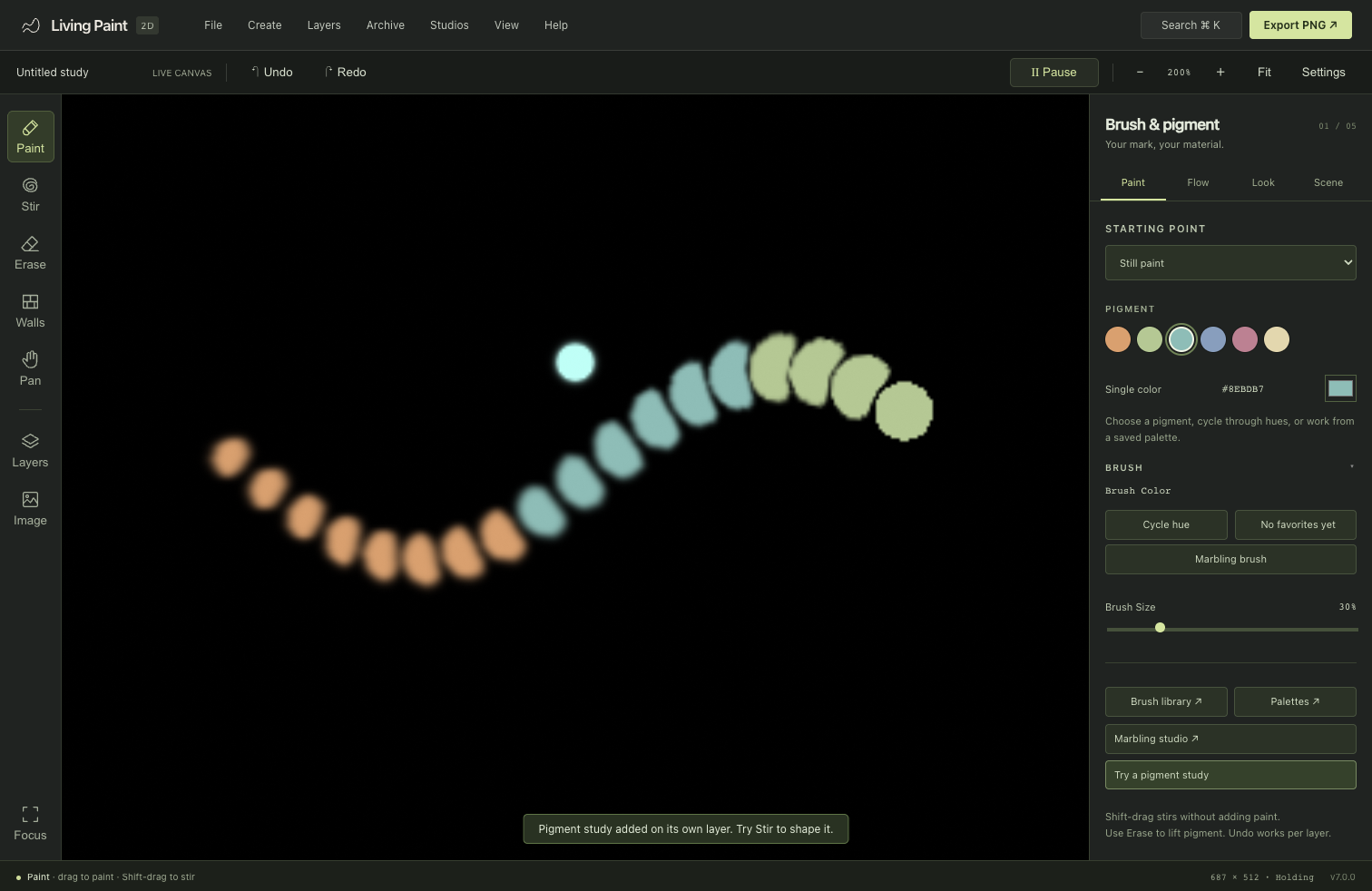
Actual app recording · October 1, 2026 · study, stir and pause in the current studio
Choose Fluid ink and drag across the canvas to paint.
Pick a second pigment. Hold Shift and drag through the strokes to stir them together.
Pause to hold the composition. Export PNG for an image, or use Scene → Save scene to keep layers and walls.
PROJECT SCOPE
What to know.
- Requires a browser with WebGPU support. Performance depends on the device and selected quality.
- Scene files store 8-bit pigment snapshots, rather than a complete HDR paint and velocity state.
- The phone layout keeps Settings below the canvas. Audio alignment and every archived tool remain outside the latest browser checks.
31 fresh browser/GPU checks pass on Chrome 154 with Apple Metal, including painting, layer deletion, undo/redo, scene and walls round-trips, exports and mobile controls. The separate 12 exact-production layer/history/persistence cases also pass. See verification notes →